
Automatically download your Temu invoices
Save hours every month. One click does it all.
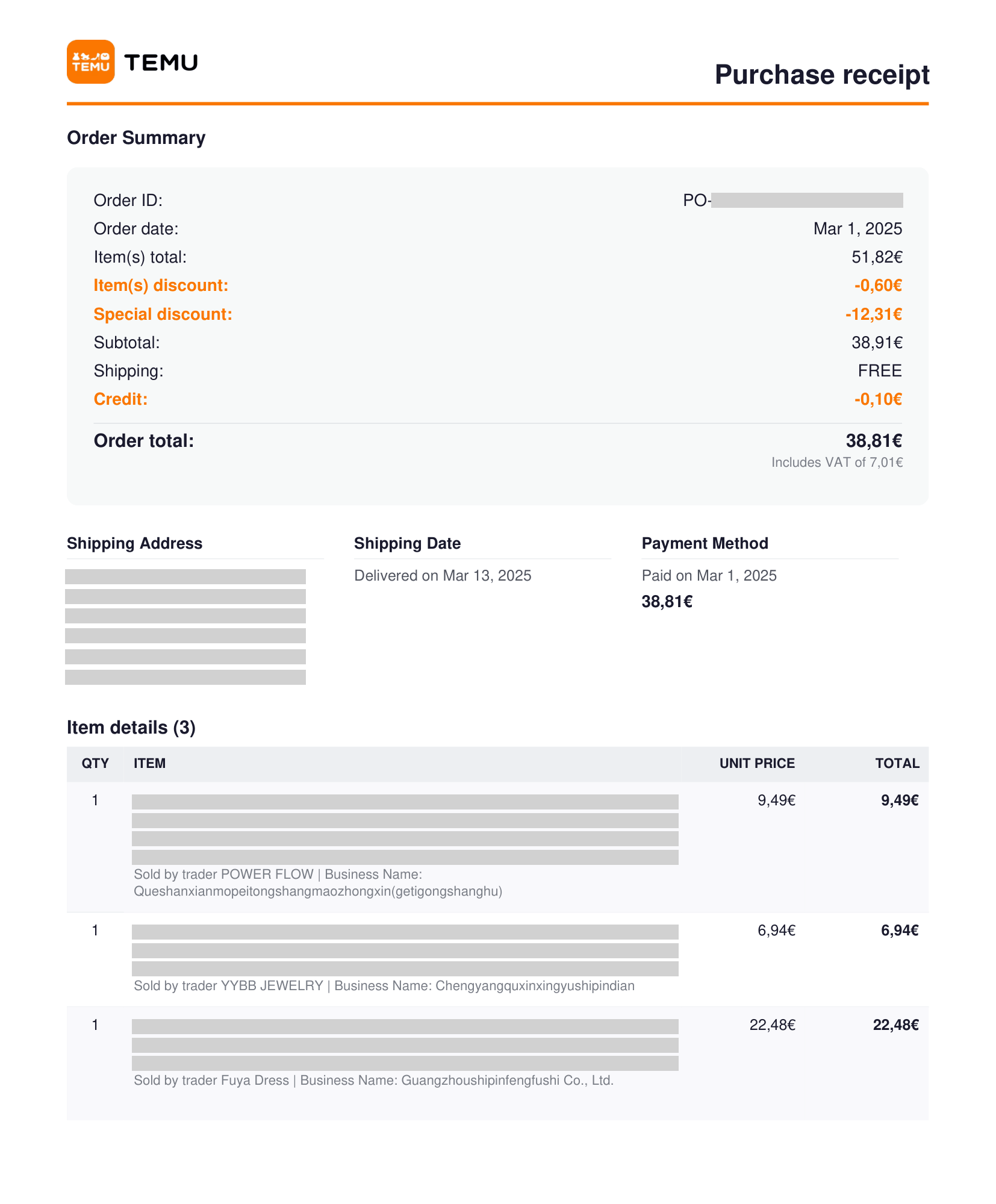
How it works
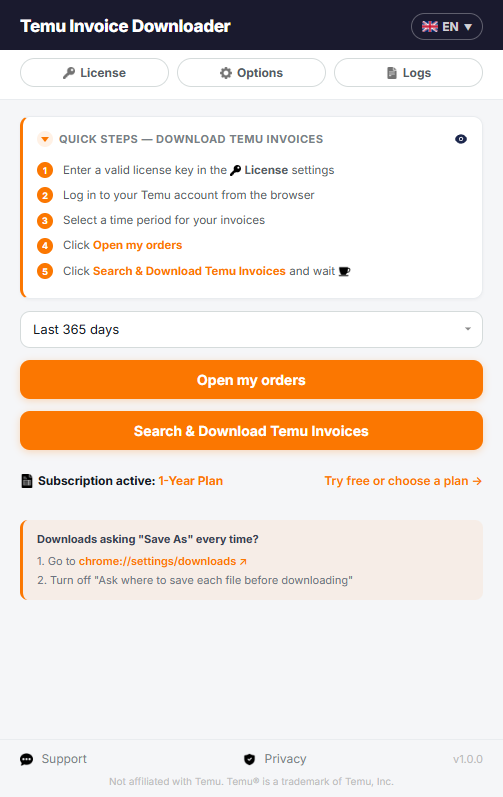
Download your Temu invoices — in 5 steps
-
1Install the extension from the Chrome Web Store.
-
2Activate it with your license key.
-
3Select a time period.
-
4Click open my orders
-
5Click download — no more tedious clicking.
Supports invoices in different languanges: English, Italiano, Español, Deutsch, Français, Português, Nederlands, Svenska, Dansk, Suomi and Magyar

Features
Batch download
Select a time period and download all your Temu invoices automatically — no manual clicking, no repeated steps.
Invoices in 11 languanges
Download your invoice in English, Italiano, Español, Deutsch, Français, Português, Nederlands, Svenska, Dansk, Suomi and Magyar
Automatic PDF downloads
Invoices are saved as PDFs directly to your download folder. No conversion, no extra steps.
Multilingual interface
English, Italiano, Español, Deutsch, Français, Português, Nederlands, Svenska, Dansk, Suomi and Magyar. Switch with one click.
Real-time progress
Watch every step live: order counter (done / failed / total), current page being scanned, and a running log of each PDF downloaded.
Secure processing
Your invoice data never leaves your computer — PDFs are generated locally and saved straight to your device. Nothing is shared with third parties.